Timeline / Motion, built in
Keyframeanything
Every piece in VYBE.ART can carry a timeline. Key its controls, lay your words, logo and footage over it, cue sound on the beats, give it states that answer a hover or a click, then render it as a video in the shape each platform wants, or any size at all.
01 / Keyframes
Key every
control.
Every slider, colour and switch a piece has can be keyed along the timeline. Set a value, move the playhead, set another, and choose the curve between them. In the studio, Record keys every change you make as you make it.
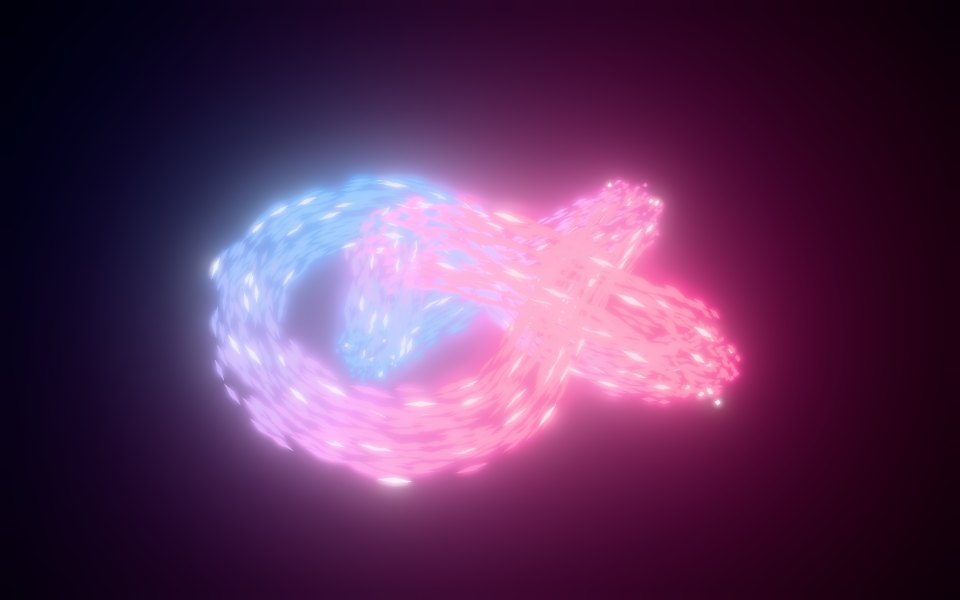 Gathering · 8 s loop
Record what you do
Switch Record on and play with the parameters: each change lands as a key at the playhead. Pause anywhere to key that moment.
Curves with character
6 curves between keys, from linear to overshoot. Numbers and colours blend; switches and choices cut on the beat.
Made to loop
Set its length, up to two minutes, and whether it plays once or loops. A render runs exactly that long, from the first frame.
02 / Shapes
Every feed.
Any size.
Pick the shape a timeline is made for and the stage is framed to it, with the edges each platform covers shaded. Or type any size: a header, a banner ad, a screen in a lobby. The piece lays itself out again for the frame, so nothing is cropped.

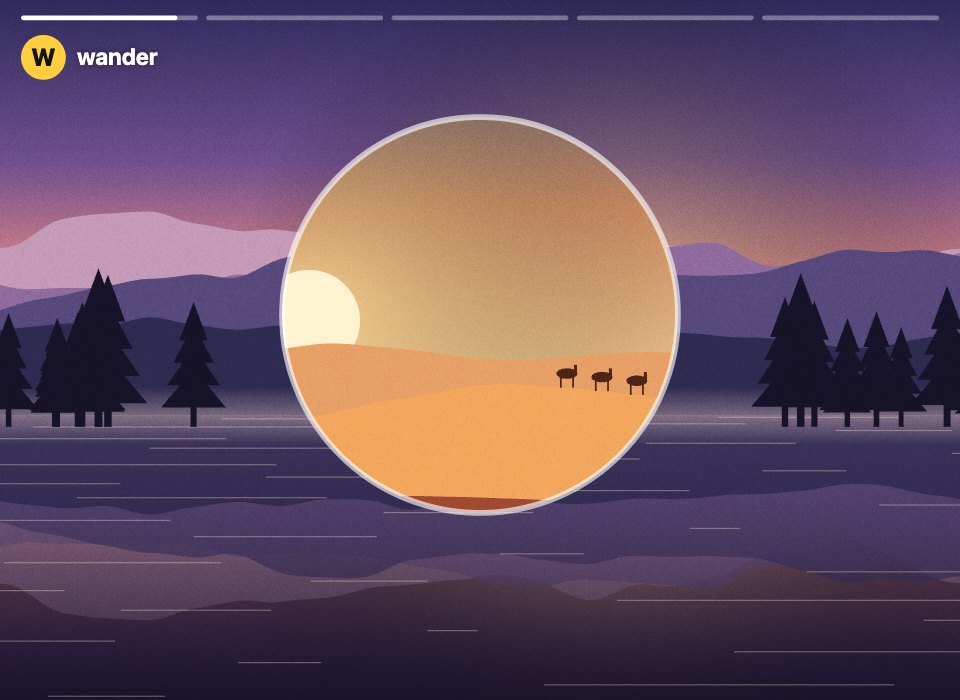
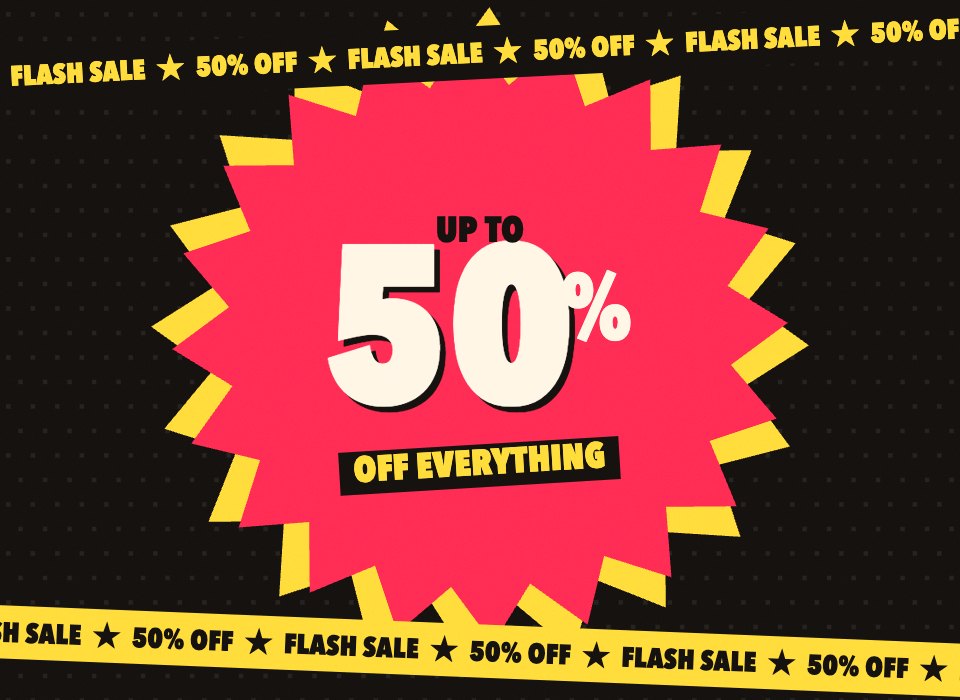
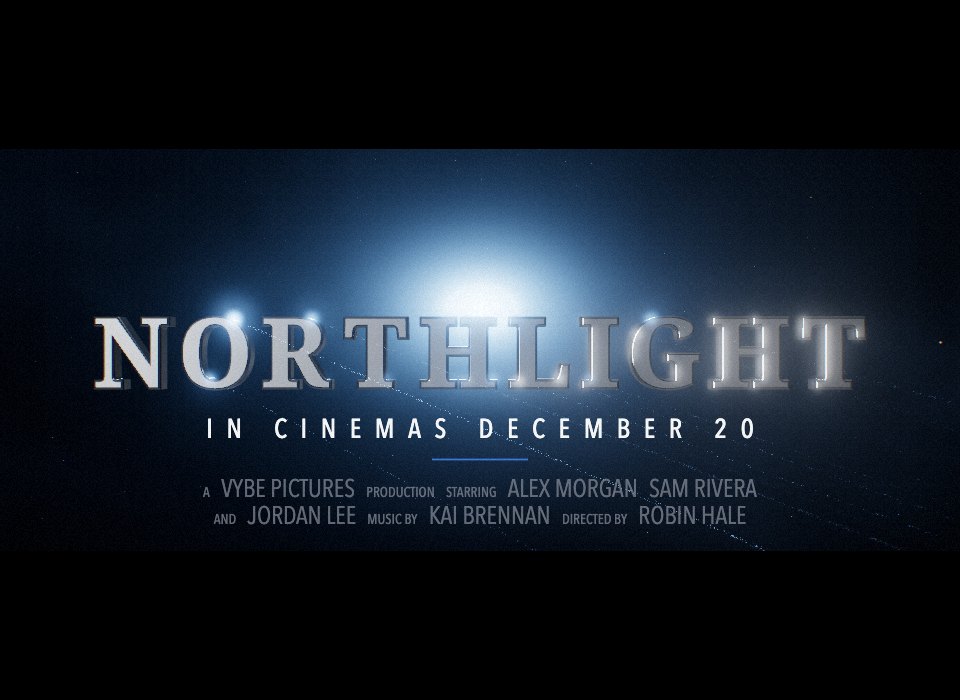
Contact sheet / Frames from real renders
The same six templates, laid out again for every frame. Pick one to play it above.
03 / Layers
Words on
the beat.
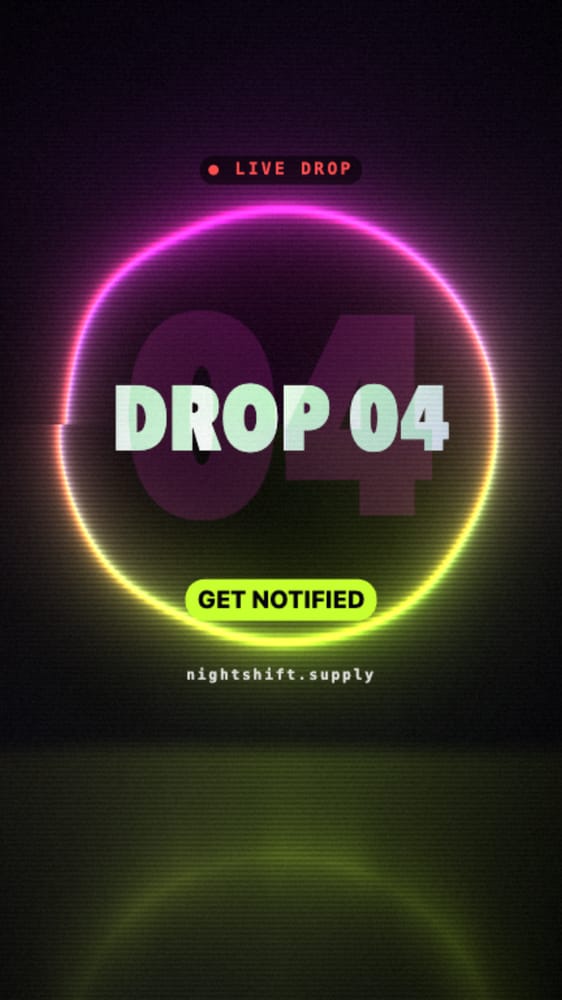
Headlines, calls to action, logos, footage and other pieces go on layers over the piece, each with its own moment on the timeline. Every word in Drop Day is one: pick a layer and change it.
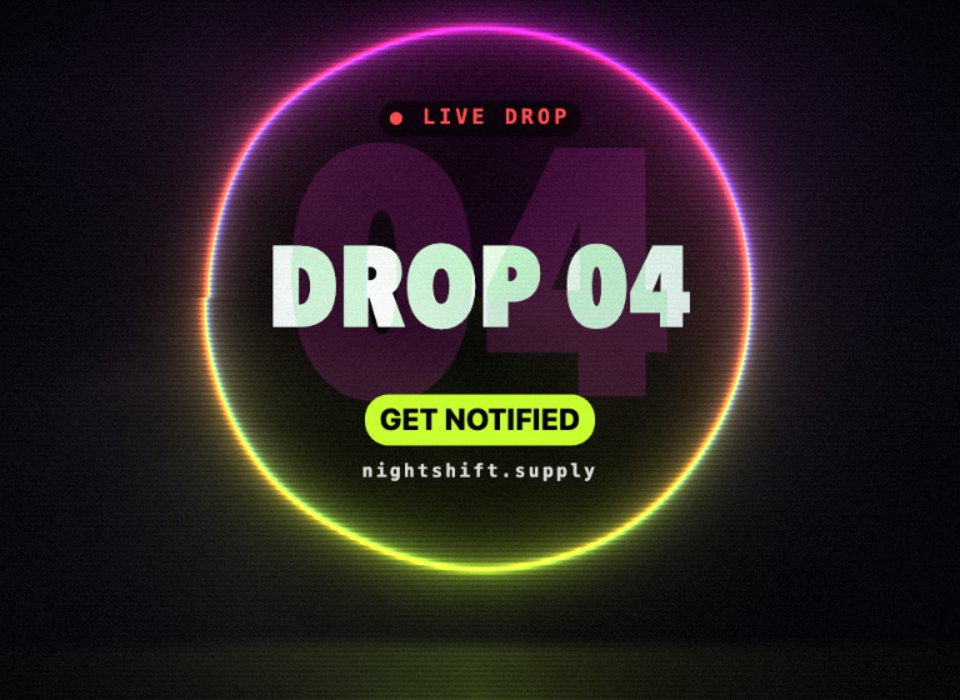 9:16 · Drop Day
Text
Any font, your own included. Weight, size, tracking, a pill behind it for a button, a shadow, and eight ways to come in, typed on letter by letter among them.
Logos & images
Drag them from your assets straight onto the stage, where they land as a layer.
Footage
Your own video, as a layer or filling the frame for an intro or an end card, in step with every frame a render draws.
Other pieces
Up to 10 pieces running live over this one, from your library, the gallery or a share link. Key their controls too.
Move, size, turn
Handles on the stage, as in a design tool. With Record on, every drag is a keyframe.
Blend & filter
17 blend modes, plus blur, brightness, contrast, saturation and hue, all of them keyable.
04 / States
It answers
back.
A timeline plays; states listen. Give a piece states and the ways between them, and a hover, a click, a timer or a message from the page it sits on moves it from one to the next, blending every value on the way. Interactive buttons, hero sections and loaders, with no code.
Hover, then click the piecePointer and touch
Hover, leave, press, release and click, on the piece’s own canvas, with a finger as well as a mouse.
Timers and events
Move on after a set time, or when the piece says so: a game calls vybe.emit('scored') and the state machine answers.
Your page, in charge
Embed the piece and drive it from your own script: inputs, states, parameters and the playhead. 8 kinds of trigger in all: click, hover, pointer leaves, press, release, after a time, page input, piece event.
05 / The rest of the kit
Sound up.
Roll it.
The timeline is the whole production: the soundtrack under it, the versions you test, Perlin to make changes in a sentence, and a render that never drops a frame.
Sound on the beat
Music and effects sit on tracks of their own. Drag, trim, loop and fade them against their waveforms; Perlin can compose them for the piece. Renders mix every sound in on the frame it belongs to.
Hear Hero Shot in the studio Original
Versions to test
Other headlines, palettes and type for the same ad, kept with it. Render them all side by side, in every shape, and see which one lands.
- “Bring the headline in a beat earlier.”Keys
- “Make it a 9:16 reel and keep the words clear of the buttons.”Shape
- “Put a whoosh on the pull back and a hit on the logo.”Sound
- “Slow it right down while someone hovers.”States
- “Now a 1500 × 500 one for our X header.”Custom size
Perlin keys it too
Perlin reads the timeline, the layers and the states as you do, and changes them for you, leaving the rest as it was.
- File
- MP4 (H.264), or WebM where a browser can’t make H.264
- Frames
- 30 or 60 a second, each drawn at its exact moment
- Size
- Any shape, up to 4K: 3840 on the long side
- Sound
- Music, effects and the piece’s own sounds, mixed in step
- Batches
- Every shape and version you tick, in one zip
- Where
- In your browser: nothing to upload, no queue
Rendered, not recorded
The piece runs on a clock that waits for each frame, so a heavy scene renders as smoothly as a light one.
- Share links and the community
- Embeds on your own site
- Standalone HTML files
- Remixes, timeline and all
It plays everywhere
The timeline lives in the piece itself, so wherever the piece goes, it plays: keys, layers, sound and states.
Every way to take it out06 / Templates
Start from
a trailer.
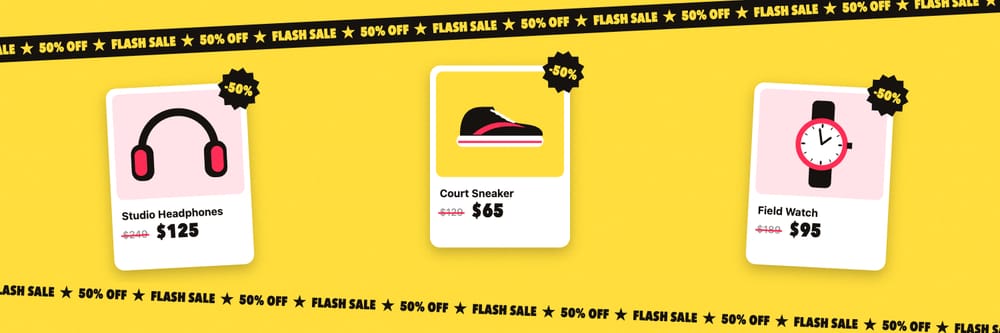
Six timelines ready to make your own: a product film, a title sequence, a logo sting, a travel story, a sale and a drop. Change the words, swap in your photos and logo, retime the beats, then render it in every shape you need.