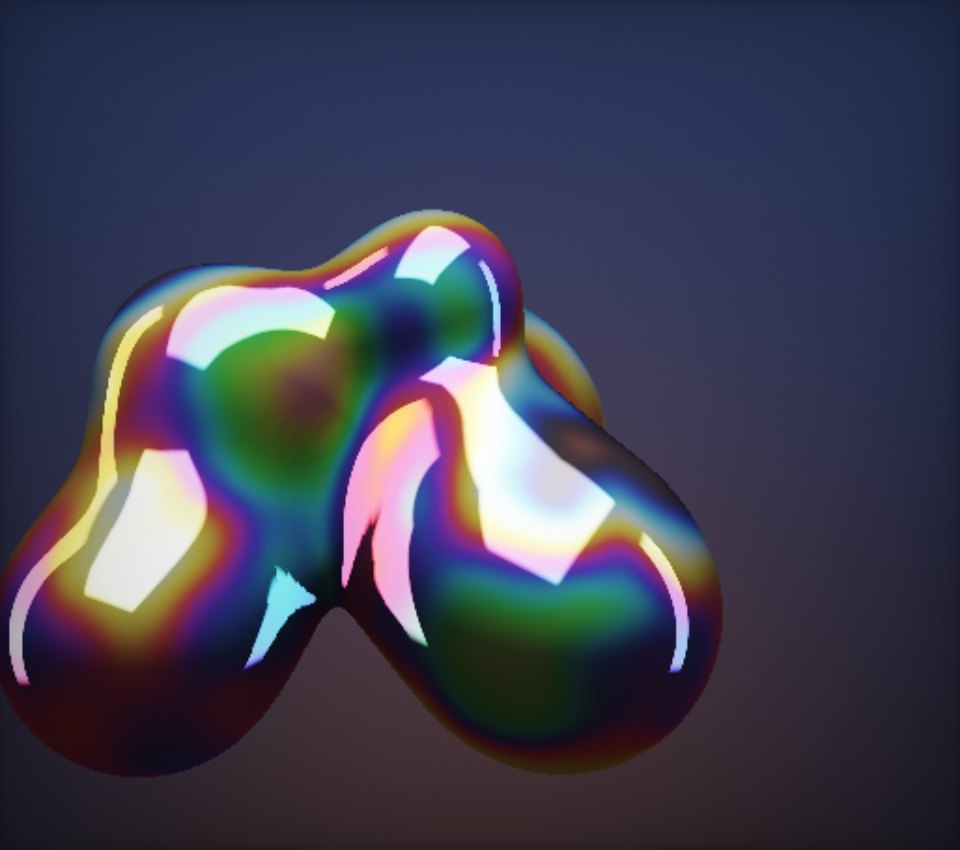
WebGL 2Perlin’s pick
WebGL 3D
- Objects, materials and lighting
- Particles in space
- Cameras and post-processing
Perlin / The agent
The artist inside
the studio
Perlin is VYBE.ART’s generative art agent. It reads your idea, picks an engine, writes the code, checks it against the real API, watches it run and repairs what breaks. One craft, practised end to end.
What it’s doing
Reading the idea, studying any reference images and choosing an engine.
01 / A run, replayed
This is what the studio shows while Perlin works, replayed with a piece from the gallery. The code, the check results and the artwork at the end are all real.
A liquid chrome sculpture slowly melting and rippling, reacting to my cursor, with iridescent reflections
02 / Three engines
Perlin works in three engines and chooses between them by what the idea needs. Pick a sentence and see where it lands, or tell the studio which one you want: Auto, 3D, Shader, 2D.


03 / Checked before it runs
Generated code fails in predictable ways: an API that was removed years ago, a module that doesn’t exist, a loop that fights the runtime. Perlin’s work goes through a validator first, and you can try it here.
Before it runs
Every import and every engine call is checked against the engine’s full API: 444 exports and 365 addons. Removed and renamed calls are caught by name, with the current replacement attached.
While it runs
Runtime errors, shader compile failures, loops that run away and blank canvases are caught as they happen. The studio reports what it saw and Perlin repairs the piece with small edits, keeping its look intact.
Always
Each piece runs in an isolated frame. It can’t reach your storage, your cookies or the page around it.
Three attempts per request. When a check fails, the exact errors and hints go back to Perlin, which edits its own code and resubmits: the first attempt plus up to two repairs before anything reaches you.
1 problem, sent back to Perlin
This is the studio’s validator, running in your browser. The code is yours to edit.
04 / Tune it, or talk to it
Perlin gives each artwork three to eight controls that matter artistically: palette, speed, density, scale. Move them yourself, or ask for a change and it edits the code in place.

Pick one. The edit is applied to the piece’s real source and it runs again, just as it does in the studio.
For a focused change Perlin finds the exact lines and replaces only those. Each one has to match a single place in the code, so nothing you didn’t ask about moves.
A new idea, or a change so large that patching would be messier, gets a complete new source instead. Perlin makes that call itself.
Control names stay stable across edits so your tweaks carry over, and each change is saved as a version you can step back to.
05 / More than a picture
Perlin takes more than words, and makes more than visuals. Everything below comes out of the same loop: imagine, write, check, run.
Attach up to 6 images: artworks, photos, palettes, sketches. Perlin studies their colour, light, composition and texture, then recreates those qualities in code. The images themselves never end up inside the artwork.
Turn on Sound FX and Perlin makes the sounds first: one-shots, ambient beds, music loops. The piece can listen to its own audio and move to the bass, the highs and every beat.
Hear Sub BloomDescribe one and Perlin builds it the same way. In the gallery’s games, every rule is a slider you can bend.
Generations run in the background. Start another piece, switch away or shut the laptop, and the finished work is waiting when you come back.
Choose how hard Perlin works on a request, from quick sketches to its most ambitious thinking.
Great for most ideas. The default.