VR / Pieces for headsets
Stepinside
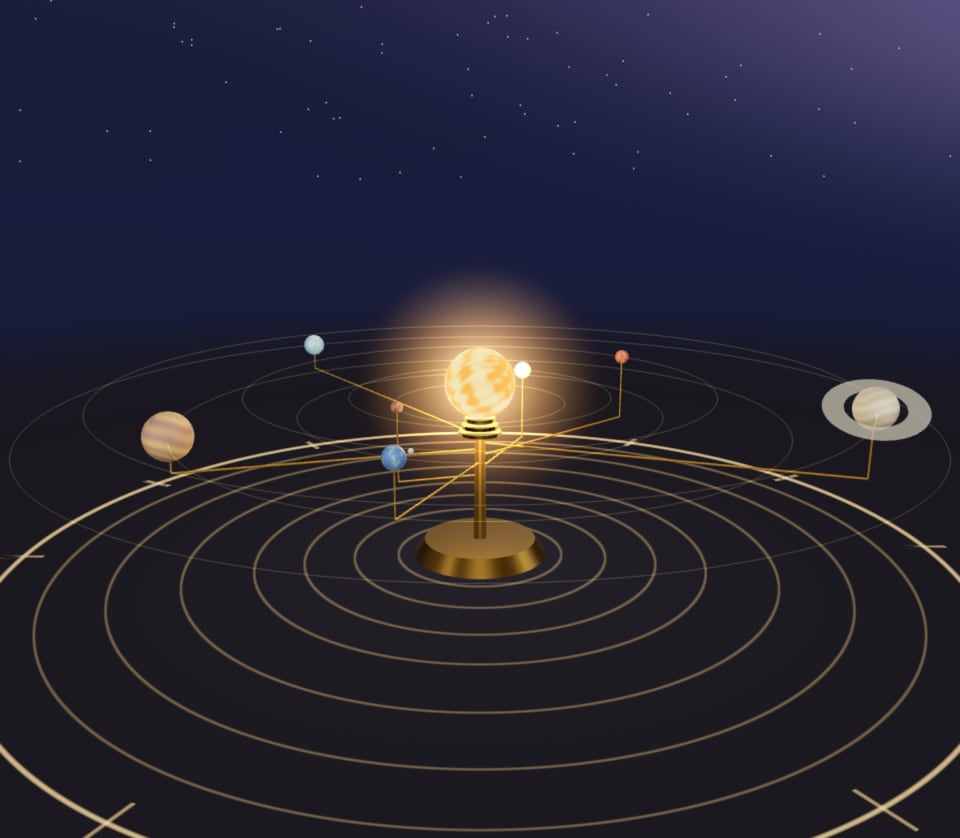
Ask Perlin for VR and your 3D piece opens on a headset with an Enter VR button. Walk round it, point at it, paint in the air, play it with your hands. On a laptop or a phone it plays on the screen, the same as ever.
 Enter VR
01 / Examples
Three to
step into.
Each one plays here on the page. Open this page on a Quest and the piece shows its Enter VR button. All three are in the studio’s Gallery under VR, ready to open and remix.
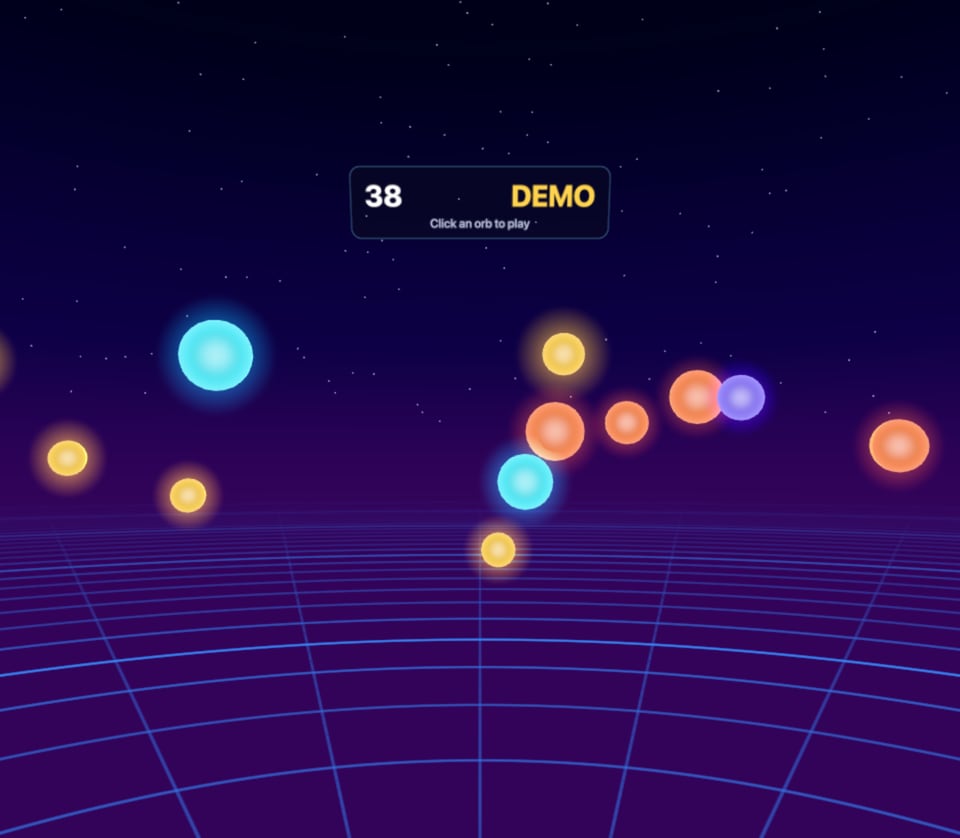
VR Click or tap the orbs, or pull the trigger in VROrb Range
Glowing orbs drift round you at night. Point, pop and keep a combo going before the minute is up.
In VR
- Point either controller and pull the trigger, or pinch
- A buzz on every pop, a light tick as you aim
- Score and time on a board above the range
On a screen
- Click or tap the orbs
- It plays by itself until you take a shot
“A VR game for my Quest: glowing orbs drift in an arc around me at night, I point a controller and pull the trigger to pop them before a one minute timer runs out, with combos for quick pops, golden orbs worth five, the score on a floating board and a buzz on every hit”
02 / Asking for it
Say VR.
Perlin builds for a headset whenever you ask for one. Any of these in an idea does it, and the piece still plays on screens as it always did.
One prompt, taken apart
A VR koi pond at night that I stand at the edge of, I scatter food with the trigger and the fish rush to it, and the grip ripples the water, and I walk round the pond with the stick. On a screen, I click to feed them.
Say what your hands do
Trigger, grip, the sticks, the A and B buttons and a pinch are all there to use. Name the action and Perlin puts it on the right one.
Give it a size
VR is built in metres, with the floor where yours is. Say whether it fits on a table, fills a room or runs to the horizon.
Say how you get about
Stand still and play, walk with the left stick, or ride something. Movement stays smooth and turns go in steps, so nobody feels queasy.
Already made one?
Open a 3D piece of yours and ask Perlin to “make this VR”. It keeps the piece, sets it at your size and adds the controls.
Ideas to start from
Each opens the studio with the idea in the box, ready to change before you send it.
03 / On the headset
Put it on.
No app and no download. A VR piece plays in the headset’s own browser, from the studio, a share link or an embed.
Open it on the headset
In Quest Browser, open the studio, the piece’s share link or a page it is embedded on. There is nothing to install.
Tap Enter VR
The button sits at the bottom of the piece. It only shows where a headset can use it, so phones and laptops never see it.
Look round, reach out
The piece is all around you. Leave from the headset’s menu and you are back on the page, the piece still playing.
In your hands
Each piece decides what the controls do. These are the usual jobs, and what Perlin reaches for when you name an action.
- TriggerPoint and pull: pick, fire, paint, press
- GripSqueeze: grab, hold, wind, change colour
- ThumbsticksWalk with the left, turn with the right, where a piece lets you move
- A, B, X, YWhatever the piece gives them: undo, clear, jump
- Your handsPut the controllers down: a pinch does what the trigger does
Still plays on screens
A VR piece is a 3D piece first. Mouse, touch and keys work as they always did, on any phone or laptop.
Built at your size
In metres, with the floor at your feet, things to reach between chest and eye height and nothing in your face.
Kind to stomachs
Turns go in steps, the horizon stays level and nothing shakes the view: the moves that make people queasy are left out.
Light enough to wear
A headset draws two eyes 72 to 90 times a second on a mobile chip, so scenes stay lean: glow from colour, not heavy effects.
Words in the world
Scores, names and menus float on panels in the scene, where a headset can read them. The page’s panels stay on the page.
Shared like any piece
Share links and embeds carry it with them: whoever opens one on a headset can step in too.
Ways to share a pieceMade and tested on Meta Quest. Other headsets with a WebXR browser should work too.