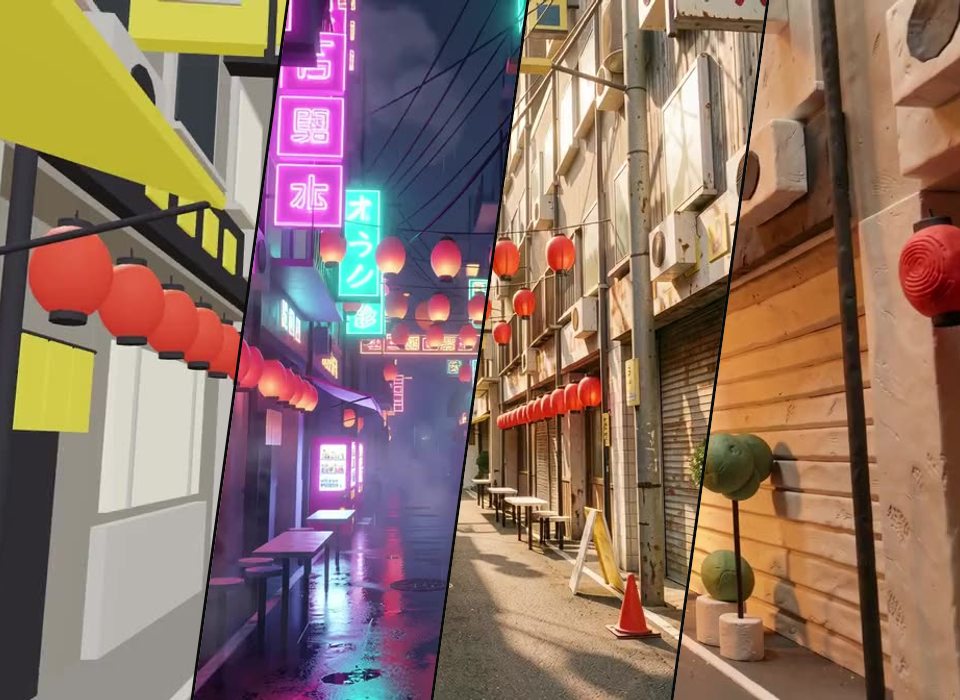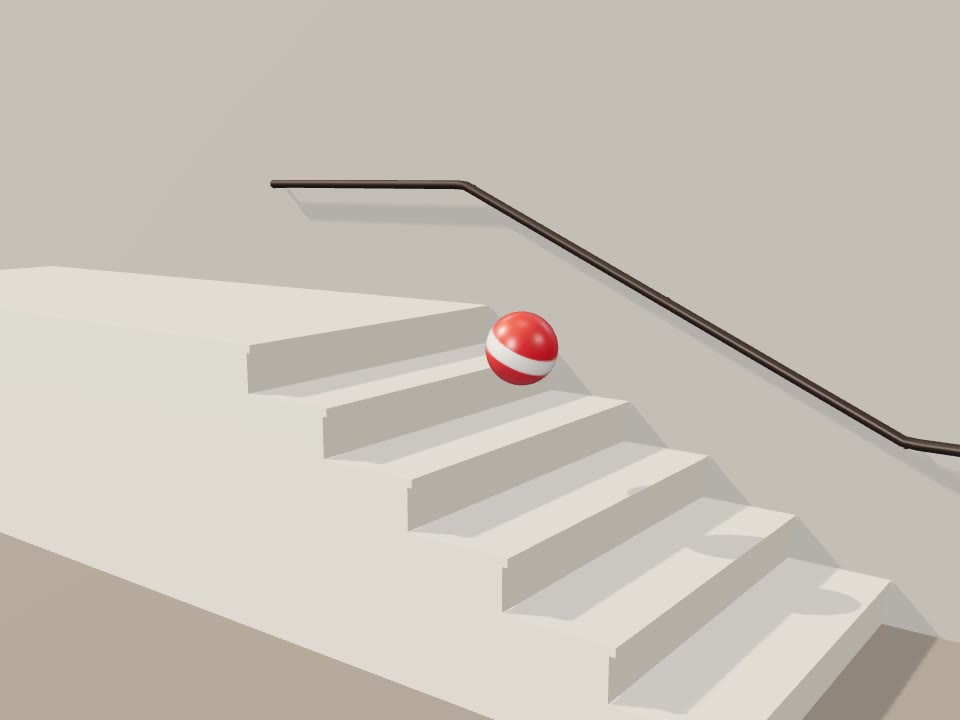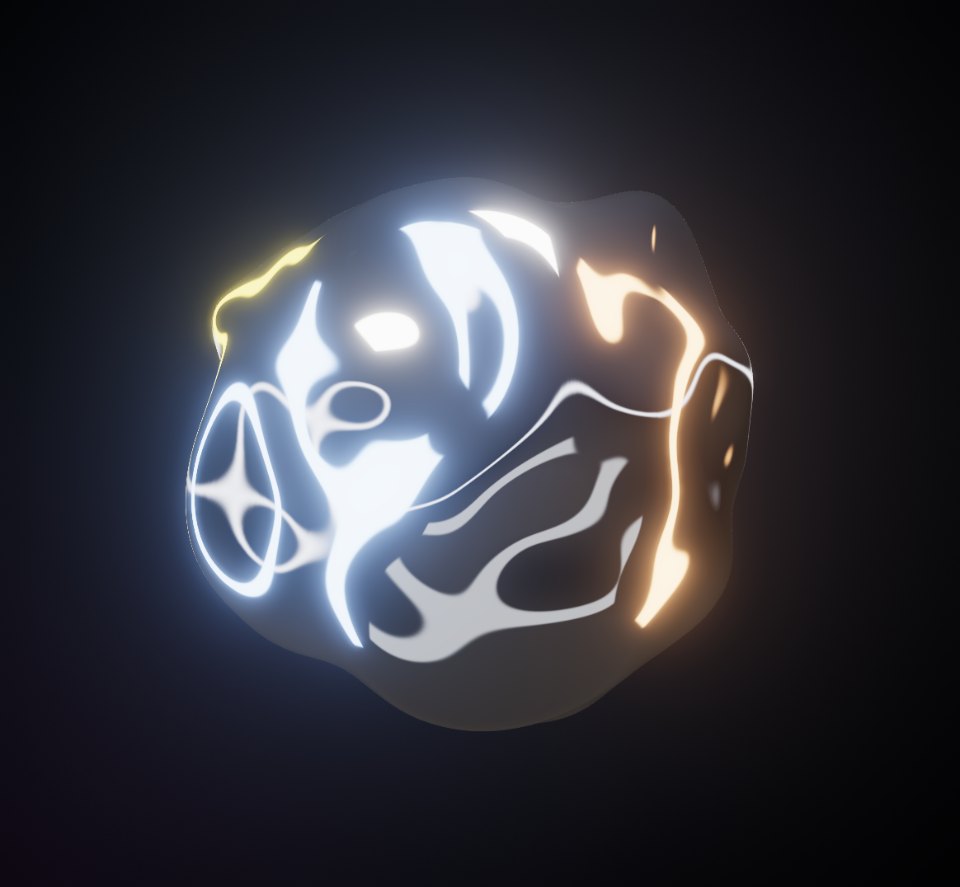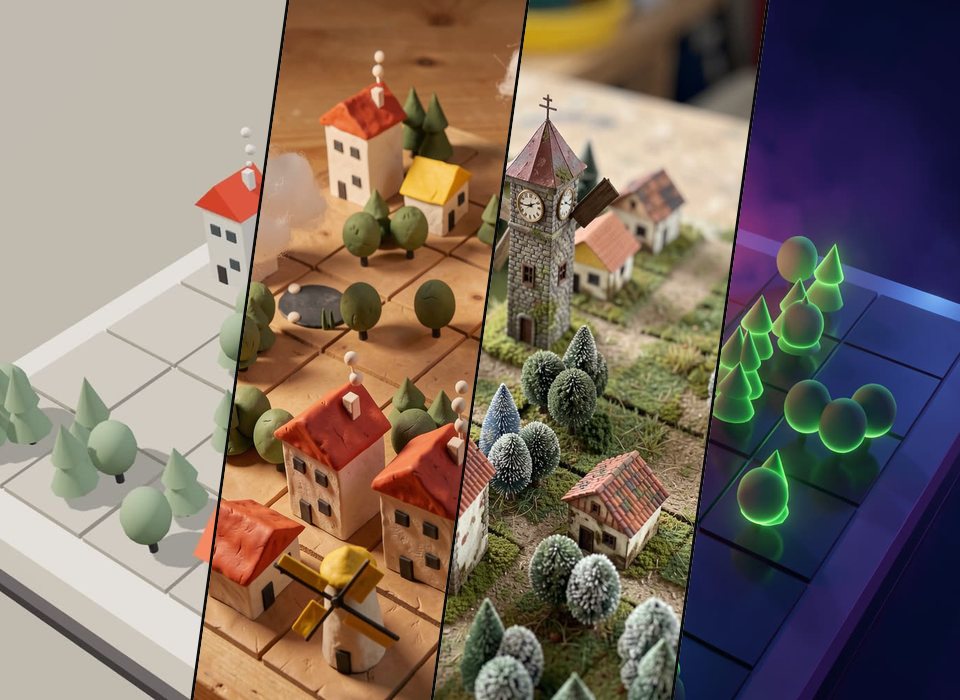
The prompt
“A toy town on a seven by seven board in plain grey blocks with yellow roofs: clicking a square cycles it through grass, a cottage, a tall house, a tower, trees, a windmill and a pond, dragging turns the view, the windmills turn, chimneys smoke and clouds drift over, with a shuffle button for a new town and a button that keeps the town and the view I have made for a render”
Ask Perlin, the VYBE.ART creative agent, for something like this and it builds a piece like it. Start from this prompt and change any part of it: the look, the mood, the rules, the sound.
Start from this promptHow it’s made
Block Town is a scene for Perlin Paint. It is JavaScript on three.js, the WebGL library behind most 3D on the web, and it runs live in your browser: nothing to download or install. It is plain on purpose: Perlin Paint reads its shapes and paints over them, so the description decides what everything is made of.
Make it yours
- Open it in the studio, where it plays with its controls, and its code is a click away.
- Tell Perlin what to change in a sentence: a colour, a mood, a new rule, a sound.
- Bend it with its sliders, or put it on a timeline and render it to video.
- Publish it to the community, share its link or embed it on your site.
New to the studio? Make your first piece